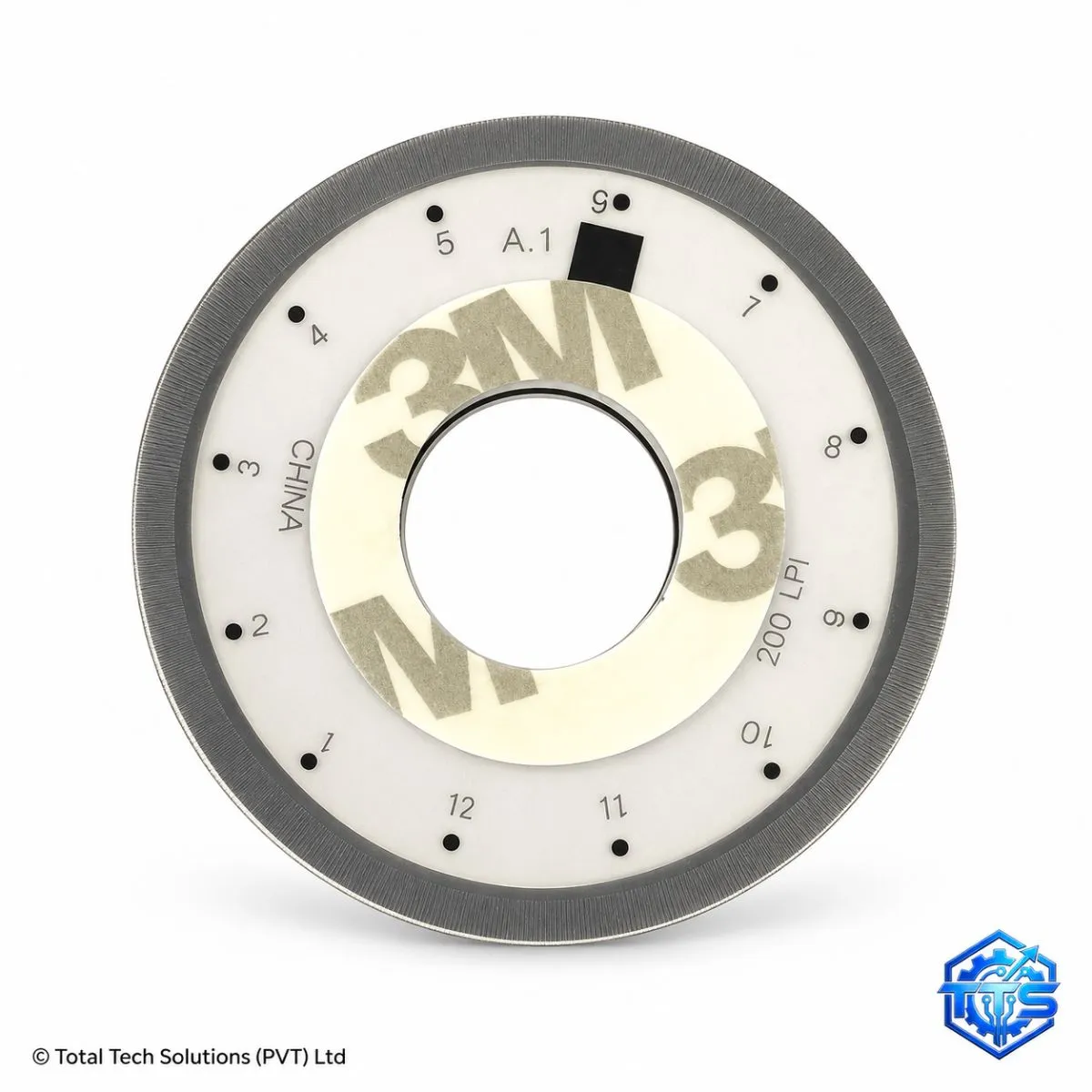
Disk Encoder Wheel for HP 500 Series Printers
or 3 instalments of LKR 1026.67 with Koko (includes a 12% Koko service charge)
Description
The Disk Encoder Wheel for HP 500 Series Printers is a precision replacement timing and position-sensing component used in compatible HP inkjet printer paper-feed mechanisms. Also known as an encoder disk, timing disk or paper-feed encoder wheel, this transparent circular disc contains fine reference markings that are read by an optical encoder sensor to monitor roller rotation, paper-feed movement and mechanical position. If the encoder wheel becomes contaminated with ink or dust, scratched, cracked, warped, loose or incorrectly installed, the printer may experience paper-feed errors, incorrect line spacing, banding, skewed output, irregular paper movement, abnormal roller rotation or repeated mechanical errors. Replacing a damaged encoder wheel can help restore accurate feed timing and stable printer operation. Because the component is delicate and must remain clean, flat and correctly aligned with the optical sensor, careful installation is essential. Professional technician installation is recommended to avoid damaging the wheel, sensor or associated feed mechanism.
Key Features
- Replacement disk encoder wheel for compatible HP 500 Series printers
- Provides precise rotational position reference for paper-feed sensing
- Helps maintain correct paper movement and line spacing
- Can help correct feed-timing errors caused by a damaged encoder disc
- Supports stable roller rotation and paper transport
- Transparent precision-marked construction
- Suitable for printer repair, maintenance and refurbishment
- Brand-new replacement component
- Professional installation recommended
Technical Specifications
Compatible With
Warranty
Warranty applies against manufacturing defects subject to inspection. Warranty does not cover scratches, cracks, warping, incorrect installation, contamination, physical damage or faults caused by the encoder sensor, motor, gears or other printer components. Contact Total Tech Solutions with the item code and proof of purchase for warranty assistance.